Level 7
hard
Lights Out
Trust Your Scanner
Navigate through absolute darkness using only a LiDAR scanner. Track the Wretch via its red dot on radar and find the exit.
📋 Objectives
- Learn the LiDAR scanner — Shoot dots to illuminate surfaces, track the red dot
- Navigate through darkness — Use the right-hand rule and regular scanning
- Avoid the Wretch — Crouch and stay still when the red dot approaches
- Find the bright exit corridor — Look for the illuminated area with a white door
🚶 Step-by-Step Walkthrough
Overview
Level 7 — Lights Out — strips away your most trusted tool: vision. This level takes place in complete darkness. Your flashlight does not work. Instead, you have a LiDAR scanner that shoots light dots onto surfaces and shows the Wretch as a red dot on radar.

Key Info: Difficulty: Hard | Entity: Wretch | Est. Time: 10-15 min
Walkthrough
Step 1: Learn the LiDAR Scanner
- Left-click shoots dots onto surfaces, briefly illuminating them.
- The scanner shows the Wretch as a red dot on the display.
- Dots fade after a few seconds — keep scanning as you move.
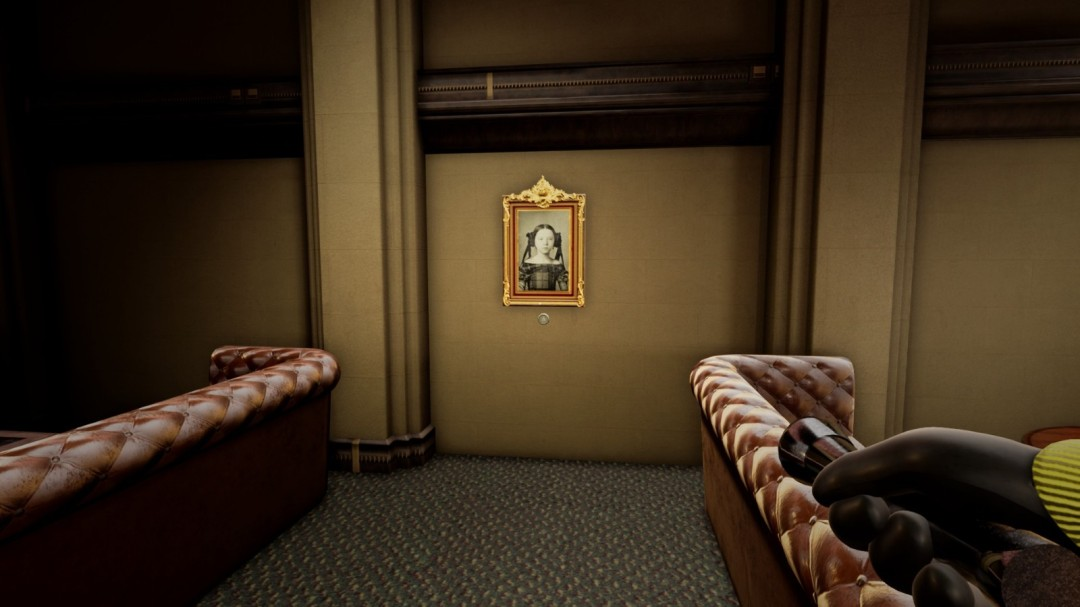
Step 2: Navigate the Darkness
- Shoot dots at regular intervals — create a breadcrumb trail.
- Hug one wall and follow it (the "right-hand rule").
- Listen for audio cues: the Wretch's breathing, your footsteps.
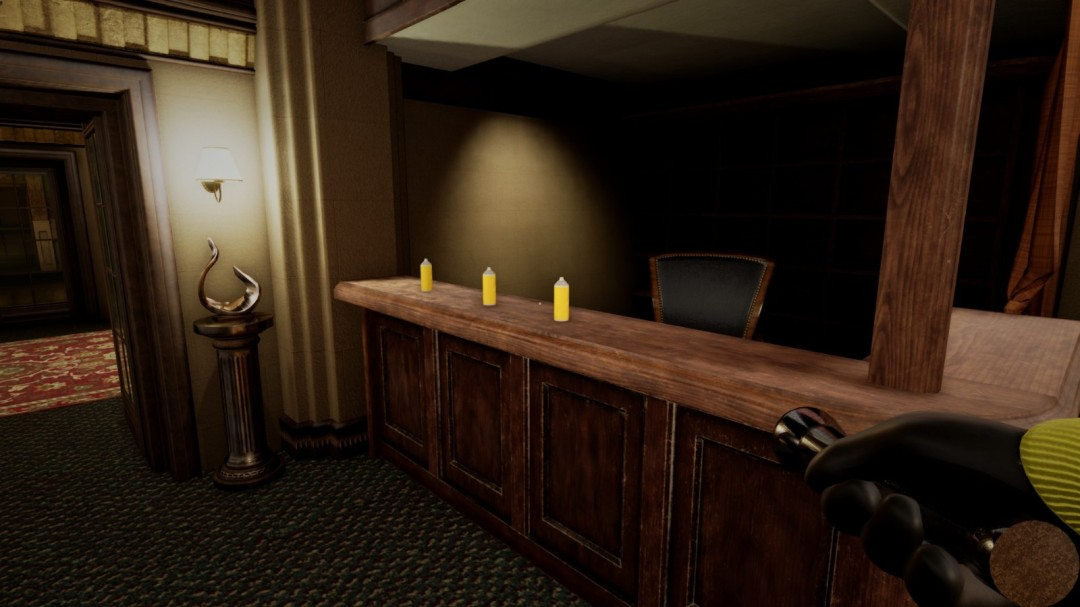
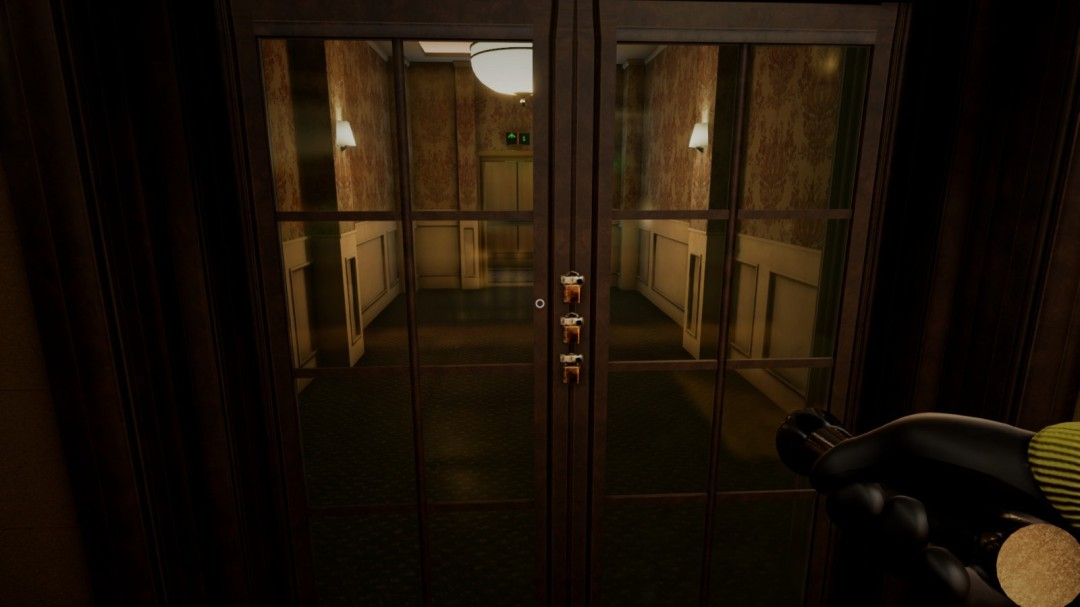
Step 3: Avoid the Wretch
- When the red dot is far away: move normally.
- When it's approaching: crouch and stop moving.
- When it's very close: do NOT move at all.
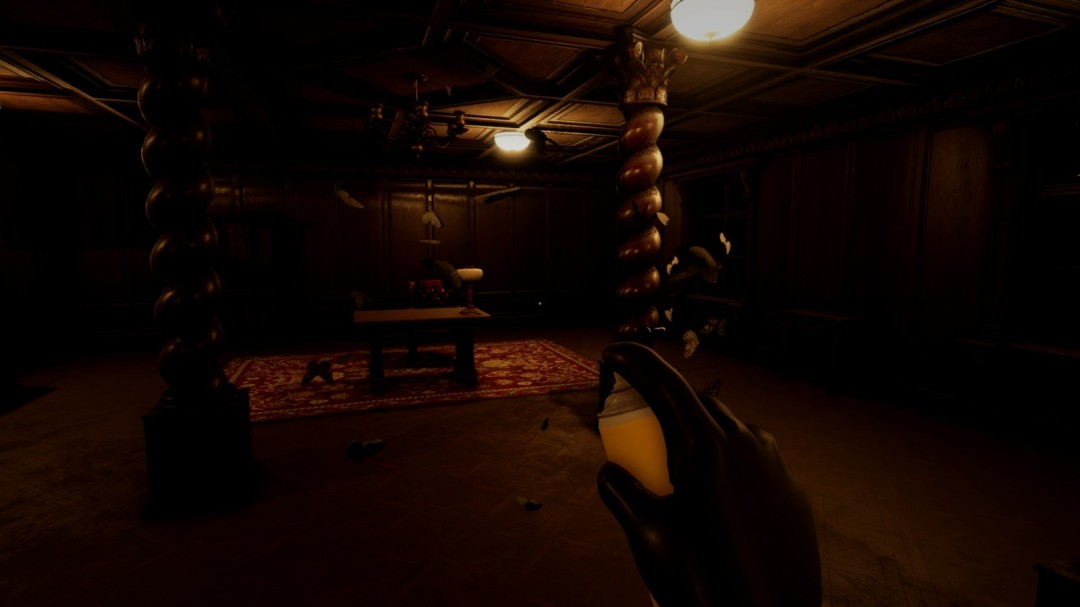
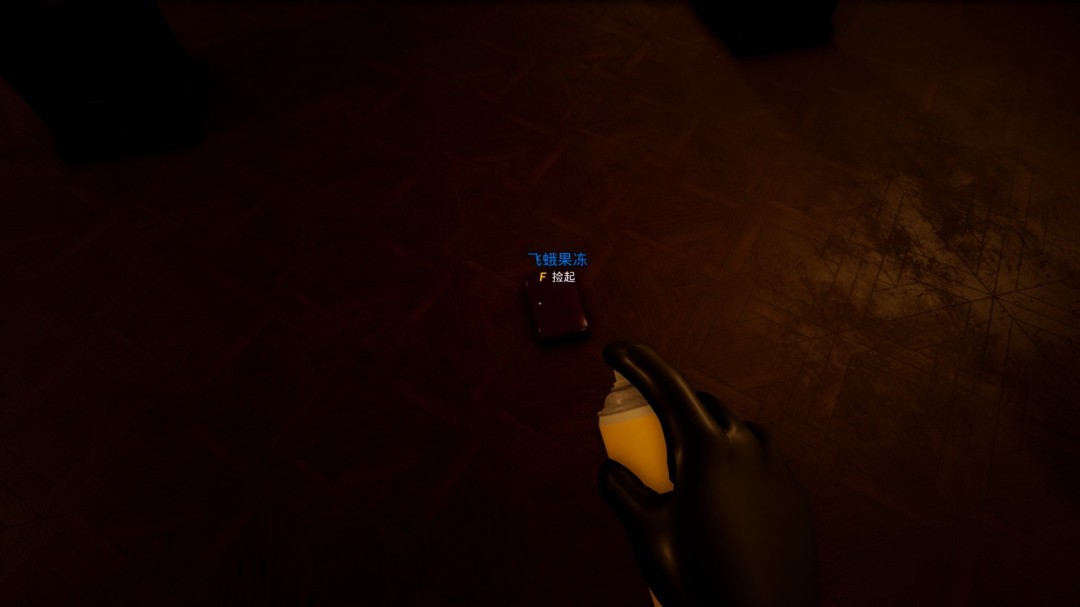
Step 4: Find the Exit
The exit is a brightly lit corridor with a white door — you'll recognize it immediately when your dots hit it.
Pro Tips
- Shoot LiDAR dots every few steps — treat them like breadcrumbs.
- The red dot on your scanner = the Wretch. Keep it on the opposite side of walls.
- Crouching makes almost no noise — use it whenever the Wretch is nearby.
- Your flashlight does NOT work in this level — don't bother trying.
👾 Entities Encountered
💡 Tips & Tricks
- Shoot LiDAR dots every few steps — treat them like breadcrumbs
- The red dot = the Wretch. Keep it on the opposite side of walls
- Crouching makes almost no noise
- Your flashlight does NOT work here
- The exit is a bright corridor — you can't miss it
💬 Comments
No comments yet. Be the first!